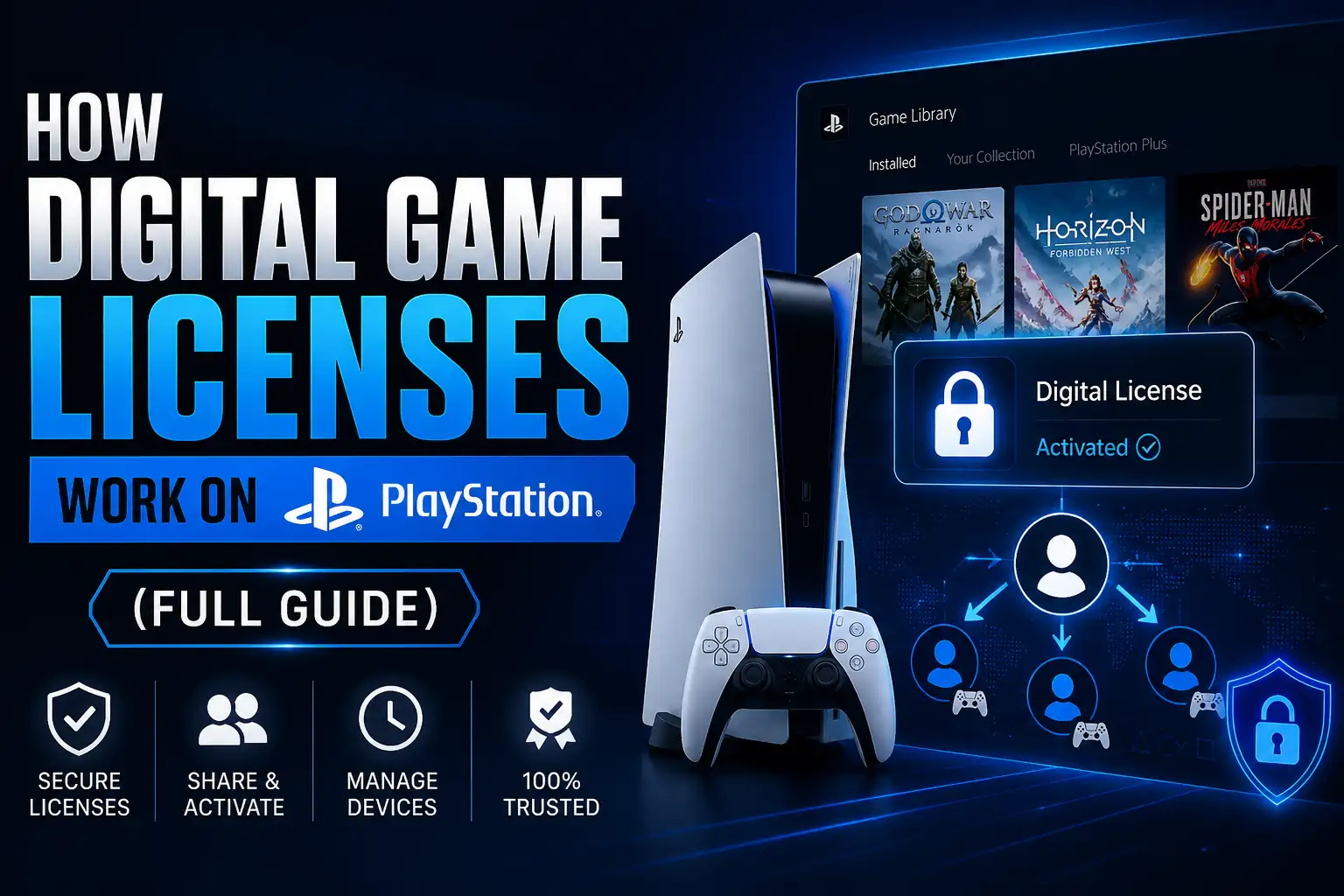
If you delete a digital game from your PS4 or PS5 and later decide to play it again, you normally do not need to purchase another copy. That is because a PlayStation Store purchase is connected to the PlayStation account that acquired the game, not only to the copy currently installed on the console.
The easiest way to understand the system is:
Purchase → PlayStation Account Entitlement → Game Library → Download Again
Deleting the installation removes the game files from your storage. It does not normally erase the purchase record connected to the account. As long as the account still has valid access to that content, the game can usually be found in the library and downloaded again.
This is also why PlayStation can remember games purchased years ago, why you can reinstall games after changing storage, and why signing into the wrong account can make a game appear missing or locked even though it was previously installed.
The important distinction is between owning access through an account and having the game installed locally.

When you purchase a digital PS4 or PS5 game through PlayStation Store, PlayStation records that transaction against the purchasing account.
The console then uses the account’s entitlement to determine whether the content can be downloaded and launched.
This means there are several separate parts involved:
|
Part |
What it does |
|---|---|
|
PlayStation account |
Identifies which user acquired the game |
|
Purchase entitlement |
Records that the account has access to eligible content |
|
Game Library |
Shows eligible games associated with the account |
|
Installed game files |
Allow the game to run from console storage |
|
Console sharing settings |
Can allow other profiles on an authorized console to use eligible games |
The most important point is that the installed files are not the purchase itself.
If you uninstall a 100 GB game because you need storage space, you are removing those 100 GB of local data. You are not normally deleting the account-level transaction that says the game was acquired.
That is why purchasing the same edition again should not be your first response if a previously owned digital game disappears.
Instead, confirm that you are using the correct PlayStation account and check your Game Library and transaction history.
A digital PlayStation purchase is not “stored” inside the SSD in the same way the actual game files are.
The game files live on your console’s internal storage or another supported storage device. The purchase information is associated with the PlayStation account that completed the transaction.
This distinction is what makes redownloading possible.
You can delete the installed data, replace storage, or move to another compatible PlayStation console and still have a record of the content associated with the relevant account.
PlayStation remembers purchased games through the account’s transaction and entitlement records.
That means the same PlayStation account can generally identify previously acquired digital content even if the original installation no longer exists.
For users with large digital libraries, this is particularly useful. You do not need to keep every game installed permanently just to preserve access.
Instead, you can manage your storage according to what you are currently playing and reinstall eligible purchases later.
Consider this example:
You buy a digital PS5 game, install it, complete it, and later delete it to make room for another title.
Six months later:
You are downloading another copy of the game files, but you are not creating another purchase.
That is the core reason you can redownload PlayStation games without paying twice.
The ability to redownload is especially important on consoles because modern games can require significant storage space.
Keeping every purchased game installed would be impractical.
Instead, PlayStation allows eligible purchases to remain connected to your account so you can manage your installed library separately from your purchase history.
Yes, eligible digital PS5 purchases can normally be downloaded again from the purchasing account’s Game Library.
If you cannot find the game, first check that you are using the same account that originally acquired it.
Also make sure you are looking for the correct edition. Some games have separate PS4 and PS5 listings, Deluxe Editions, Complete Editions, remasters, or cross-generation bundles.
Owning one edition does not automatically mean every edition will appear as purchased.
The same basic principle applies to digital PS4 purchases.
If the purchasing account still has access to the content, eligible games can generally be downloaded again.
Many PS4 games are also playable on PS5 through backward compatibility, meaning a user moving from PS4 to PS5 may still be able to download and play the PS4 version without buying the original game again.
However, this should not be confused with receiving a native PS5 edition for free.
Deleting a digital game is normally a storage-management action, not an ownership action.
The following table illustrates the difference:
| Action |
Purchase normally remains? |
Need to buy again? |
|---|---|---|
|
Delete the installed game |
Yes |
No |
|
Reinstall the game later |
Yes |
No |
|
Move games between supported storage |
Yes |
No |
|
Replace console storage |
Yes |
No, if account access remains |
|
Sign into the wrong account |
Purchase may not appear |
No |
|
Lose access to purchasing account |
Access may be affected |
Account recovery may be needed |
|
Subscription expires |
Subscription games may lock |
Depends on entitlement |
|
Upgrade from PS4 version to separate PS5 version |
Depends on game |
Possibly |
This is why uninstalling a game should not be treated like selling or surrendering the purchase.
Game installations and save data are also different.
Deleting the game application does not necessarily mean deleting the corresponding saved game data. Save files are managed separately.
However, you should still be careful when managing storage and confirm what you are deleting, particularly before resetting a console or manually removing saved data.
If you plan to reinstall a long RPG or story game later, preserving your save is just as important as preserving access to the game itself.
A digital purchase needs a persistent identity behind it. On PlayStation, that identity is your account.
When the purchase is successfully completed, PlayStation can associate the relevant content with that account.
This is why the correct account matters when troubleshooting a missing game.
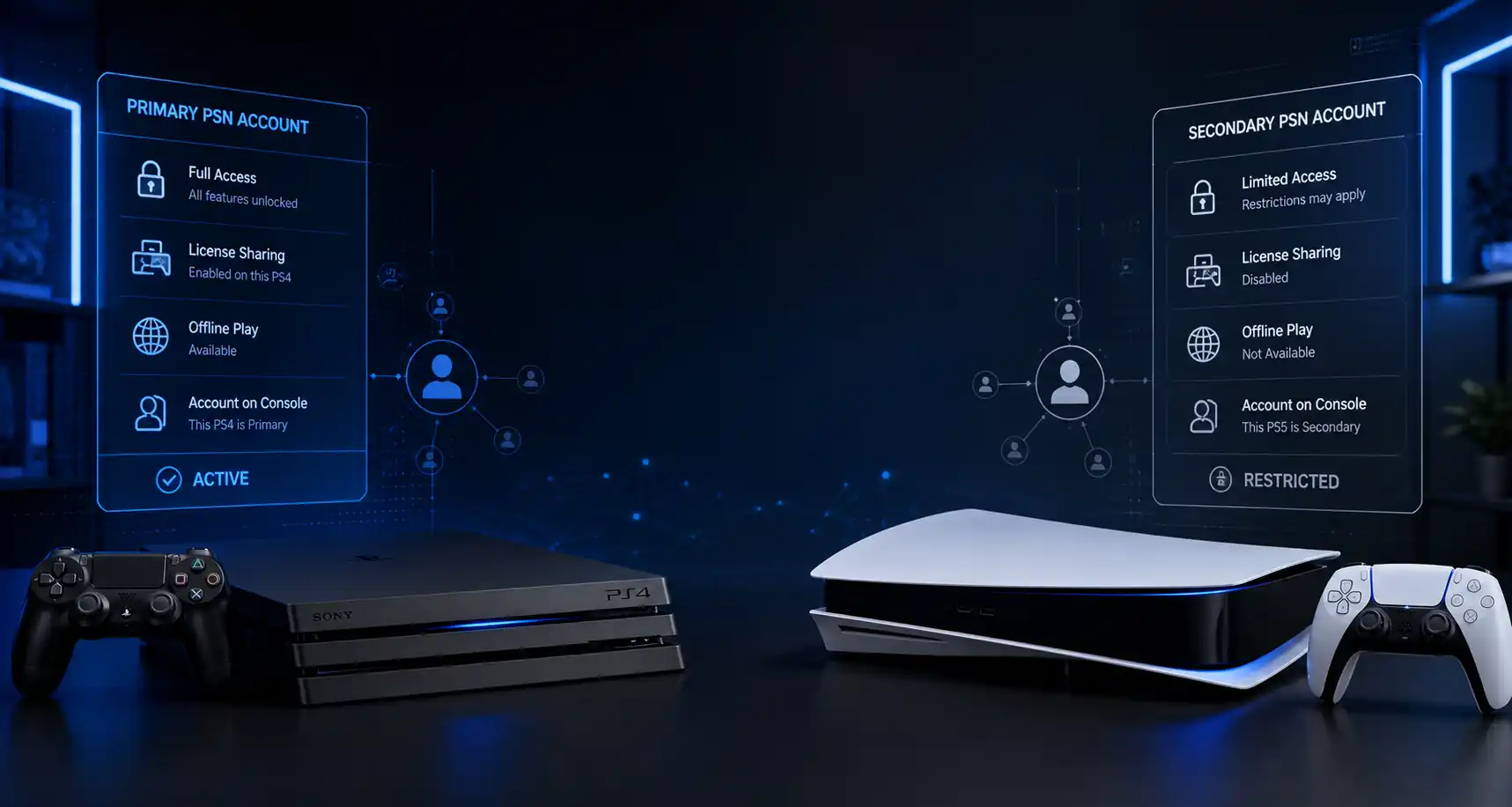
If a household uses several profiles on one PS5, a game might have been purchased by one account but played by another through Console Sharing and Offline Play.
Months later, the second player may incorrectly remember that the game belongs to their own account.
When sharing settings change, the game may suddenly display a padlock.
Nothing necessarily happened to the original purchase—the player may simply no longer be accessing the entitlement through the purchasing account.
If you have several PlayStation accounts, check them systematically.
Look for:
This is much safer than purchasing another copy because the game appears unavailable on one profile.
For customers managing digital products from PSNShop, keeping the account and activation information associated with each purchase organized can make later troubleshooting significantly easier.
In many cases, the purchasing account can sign into another compatible PS5 and access eligible games associated with that account.
The important point is that moving to another console does not move the purchase away from the account.
The account remains central.
However, there is a difference between:
The second situation depends heavily on console-sharing settings.
PS5 uses a feature called Console Sharing and Offline Play.
When correctly enabled, eligible digital games purchased by an account can be available to other users on that particular PS5.
This is useful in households where several people use the same console.
However, Console Sharing does not transfer the original purchase to those other profiles.
If the sharing configuration changes, those users may lose access while the purchasing account still retains its original entitlement.
PS4 uses the Primary PS4 system, while PS5 uses Console Sharing and Offline Play.
They serve similar purposes but use different settings.
| Console |
Sharing system |
|---|---|
|
PS4 |
Activate as Your Primary PS4 |
|
PS5 |
Console Sharing and Offline Play |
This distinction matters if you use both generations or move regularly between consoles.
For a deeper explanation of console authorization, license validation, and account sharing, this is where an internal link to your full guide on how PlayStation digital game licenses work should be placed.
That keeps this article focused on redownloading purchases while the full licensing guide covers the broader technical system.
A padlock does not automatically mean the purchase has disappeared.
It means PlayStation is currently unable to give the account or console the expected access.
The cause could be as simple as using the wrong account.
Common reasons include:
Use this order:
This simple process can prevent duplicate purchases.
When users search for where are my purchased PlayStation games, the Game Library is usually the most useful starting point.
Open your Game Library and view the collection associated with the signed-in account.
If you have a large library, filters and search can help locate a specific title.
If the game does not appear as expected, transaction history can help verify whether that account actually purchased it.
PS4 also provides access to purchased digital content through its Library.
Again, the key is using the account that acquired the content.
A game appearing on the console’s home screen is not proof that the current profile personally owns it because another account may originally have installed or shared it.
Transaction history provides an additional layer of verification.
If you remember buying a game but the Store is asking for payment again, checking the transaction is more reliable than relying only on memory.
It can help distinguish:
Not necessarily.
This is where backward compatibility and PS5 upgrades are often confused.
If you own a compatible digital PS4 game, you may be able to download and play the PS4 version on PS5 through backward compatibility without purchasing the original game again.
That does not automatically mean you own a native PS5 version.
Some games provide:
So:
PS4 backward compatibility ≠ automatic ownership of every PS5 edition.
If your concern is whether paying for the native version is worthwhile, that belongs in a separate comparison of PS4 vs PS5 game upgrades, where performance, resolution, loading times, DualSense features, and upgrade pricing can be evaluated properly.
This internal-link separation is useful for both readers and SEO because each page answers a distinct question.
One of the most common causes of confusion is remembering that you “had” a game without remembering how you accessed it.
A separately purchased digital game and a PlayStation Plus game can behave differently.
A direct purchase is associated with the purchasing account according to the applicable PlayStation Store entitlement.
Deleting and reinstalling the game does not normally require another purchase.
Monthly Games generally depend on having the appropriate active PlayStation Plus membership.
A game can remain associated with your library after claiming it while still requiring qualifying membership to play.
Game Catalog titles are different again.
Access depends on an eligible PS Plus tier and the game’s continued availability through the catalog.
A title you played through the Game Catalog can later become unavailable even though you previously downloaded it.
That situation is not the same as losing a separately purchased game.
Digital access still depends on the account and applicable licensing conditions.
Situations that can create problems include losing access to the purchasing account, account-security issues, console-sharing changes, or entitlement problems.
This is why account security matters for anyone building a large digital library.
Use a secure sign-in method, protect the email address associated with the PlayStation account, and avoid sharing sensitive credentials unnecessarily.
For customers purchasing digital PlayStation products through PSNShop, it is also useful to retain order and activation information until access has been confirmed and the game is running correctly.
Deleting an installation is easy to reverse.
Losing access to the PlayStation account that holds the purchase is more significant.
If account access is lost because of a forgotten password, unavailable email address, or security issue, account recovery should be the priority.
Buying games again should not be treated as the solution to an account-access problem.

Restore Licenses is useful when the account should have access to a game but the console is not recognizing that entitlement correctly.
It is particularly relevant when:
Restoring licenses does not mean buying the game again.
It also does not give an account access to content that was never purchased or otherwise legitimately acquired.
Go to:
Settings > Users and Accounts > Other > Restore Licenses
PS5 can also provide an option to restore the license for an individual title from the game’s Options menu.
Go to:
Settings > Account Management > Restore Licenses
Use this after verifying that you are on the correct purchasing account.
If you want a complete technical explanation of license restoration, validation, sharing, and PS Plus entitlements, link readers from here to the broader PlayStation digital game licensing guide rather than expanding this section further.
That separation keeps this page closely aligned with its main search intent: explaining why previously purchased games can be downloaded and played again.
For digital-game buyers, the most common access problems are often caused by misunderstandings rather than the game itself.
Users may forget which PlayStation account purchased the game, confuse a PlayStation Plus title with a direct purchase, select the wrong PS4 or PS5 edition, or change sharing settings without realizing another profile depends on them.
A good buying experience therefore starts with clarity.
Before purchasing from PSNShop, check:
Keep those details available after activation. If you later reinstall the game or move to another console, knowing which account and entitlement were involved makes solving access problems much easier.
Because the purchase is associated with the PlayStation account that acquired the game rather than depending only on the files installed on your console. Deleting the game removes local data, while the eligible account entitlement can remain. When you sign back into the correct account, the game can normally be found in the Game Library and downloaded again.
Normally, no. Deleting a digital PS5 game removes the installed application from the console’s storage but does not usually erase the purchase associated with your account. You can generally download the game again from your library later. Be careful not to confuse deleting the game application with deleting saved data, which is managed separately.
Many compatible digital PS4 games can be downloaded and played on PS5 through backward compatibility when you use the account that owns them. However, owning the PS4 version does not automatically guarantee ownership of a native PS5 edition. Free or paid PS5 upgrade options depend on the individual game and publisher.
First make sure you are signed into the account that originally purchased the game and that you are viewing the same edition. Then check transaction history, the Game Library, console-sharing settings, and whether the game originally came through PlayStation Plus. A license synchronization problem can also make purchased content appear unavailable temporarily.
Eligible purchases can generally be accessed when the purchasing account signs into another compatible PS5. However, allowing other profiles on that console to use those games depends on Console Sharing and Offline Play. Moving to another PS5 does not transfer the purchase to a different account; the original PlayStation account remains central to access.
Restore Licenses does not reinstall deleted game files. Instead, it refreshes entitlement information when a game should be accessible but appears locked or unavailable. If you intentionally deleted the installation, locate the game in your library and download it again. Use Restore Licenses when the account’s access itself appears to be the problem.
Usually not if you only want to play a compatible PS4 version through backward compatibility. A native PS5 version is a separate question. Some games include a free PS5 upgrade, some charge an upgrade fee, and others sell the PS5 edition separately. Always check the specific game’s upgrade policy before purchasing another version.