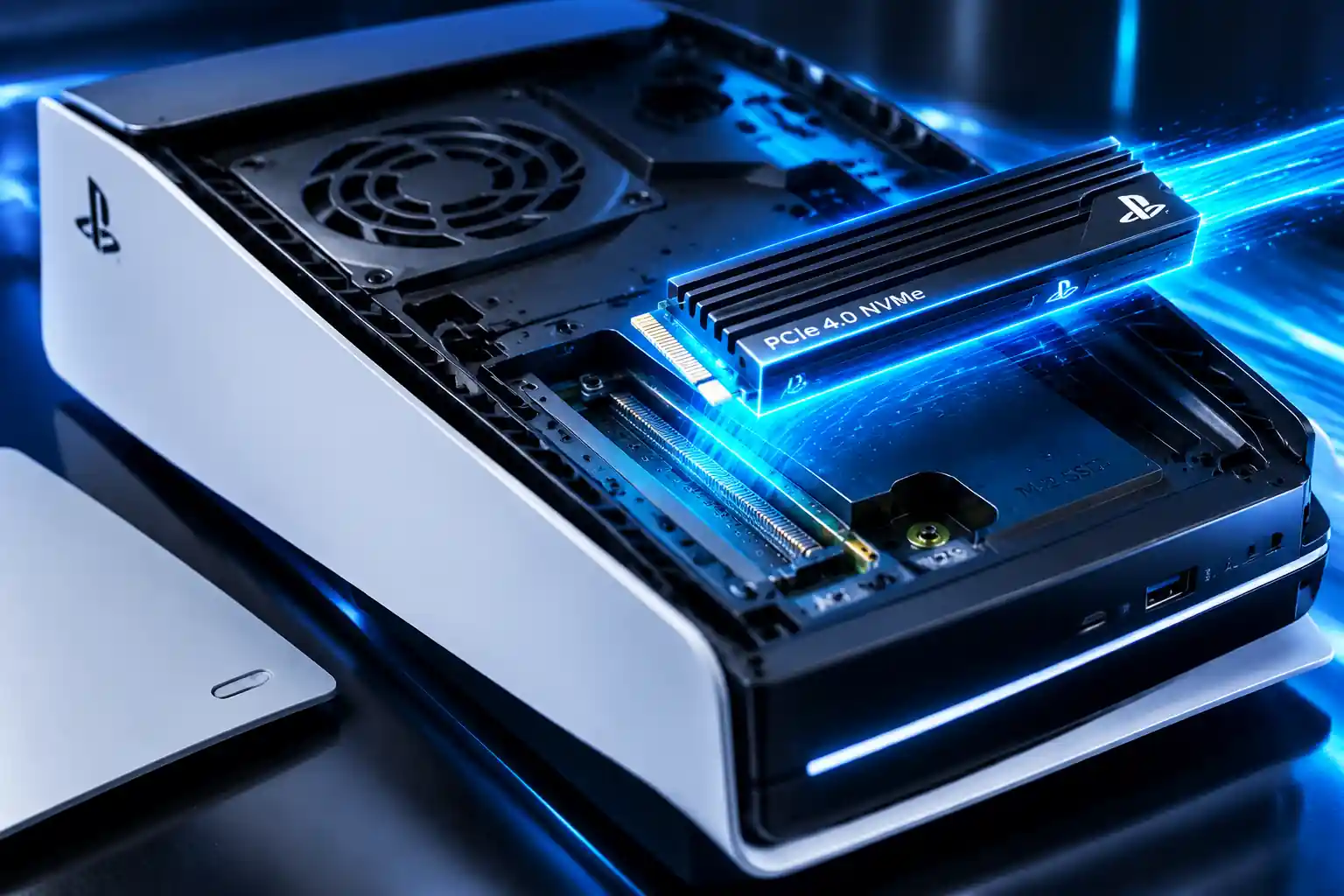
The PlayStation 5 introduced a major change in console storage technology by replacing traditional hard drives with a high-speed custom SSD. This upgrade allows games to load faster, enables more detailed game worlds, and reduces waiting times compared with previous PlayStation consoles.
However, PS5 storage can still become limited, especially with modern games often requiring hundreds of gigabytes of space. Understanding how the PS5 SSD works, what storage options are available, and how M.2 SSD upgrades work can help you get the most from your console.
This guide explains PS5 SSD technology, storage expansion, SSD requirements, loading speed improvements, and how to choose the best SSD for PS5.

The PS5 SSD is a custom-built solid-state drive designed specifically for the console. Unlike traditional mechanical hard drives, SSDs use flash memory instead of moving parts, allowing data to be accessed much faster.
The internal PS5 SSD is responsible for storing:
The biggest advantage of SSD storage is speed. Games can load assets such as textures, environments, and character data much faster, allowing developers to create larger and more detailed worlds.
The PS5 uses a custom internal SSD architecture based on high-speed NVMe technology and PCIe 4.0 connectivity.
Previous consoles, including the PS4, relied mainly on traditional hard disk drives (HDDs). While HDDs offered large storage capacities at lower costs, they were limited by mechanical read and write speeds.
The PS5 SSD provides several advantages:
| Feature | HDD | PS5 SSD |
|---|---|---|
| Storage technology | Mechanical disk | Flash memory |
| Data access speed | Slower | Much faster |
| Loading times | Longer | Reduced |
| Moving parts | Yes | No |
| Game asset streaming | Limited | Improved |
| Size | Larger | Compact |
A faster SSD allows games to retrieve data almost instantly, helping reduce loading screens and improving overall responsiveness.
The PS5 internal SSD has an impressive performance target designed around high-speed game data streaming.
Key specifications include:
| Specification | PS5 SSD |
|---|---|
| Storage type | Custom NVMe SSD |
| Interface | PCIe 4.0 |
| Capacity | 825GB raw capacity |
| Usable storage | Around 667GB available |
| Read speed target | Around 5.5 GB/s raw bandwidth |
The difference between raw capacity and usable storage exists because the PS5 reserves some space for the operating system and system functions.
SSD speed is measured mainly through:
For gaming, read speed is especially important because games constantly load assets while you play.
The PS5 SSD affects several areas of gameplay, including loading times, world design, and performance.
One of the most noticeable improvements is reduced loading time.
Games can start faster because the SSD can access data much quicker than traditional storage. Fast travel, restarting missions, and loading new areas can also happen with less waiting.
Developers can design environments with faster data streaming because the SSD can deliver game assets quickly.
This helps support:
A faster storage system means less time waiting and more time playing. Features such as quick travel and level loading feel smoother because the console can process game data more efficiently.
The original PS5 includes an 825GB custom SSD, but not all of that space is available for games.
After system files are reserved, players have approximately 667GB of usable storage.
This can fill quickly because modern games often require large amounts of space.
Examples of storage-heavy content include:
For many players, PS5 storage expansion becomes necessary over time.
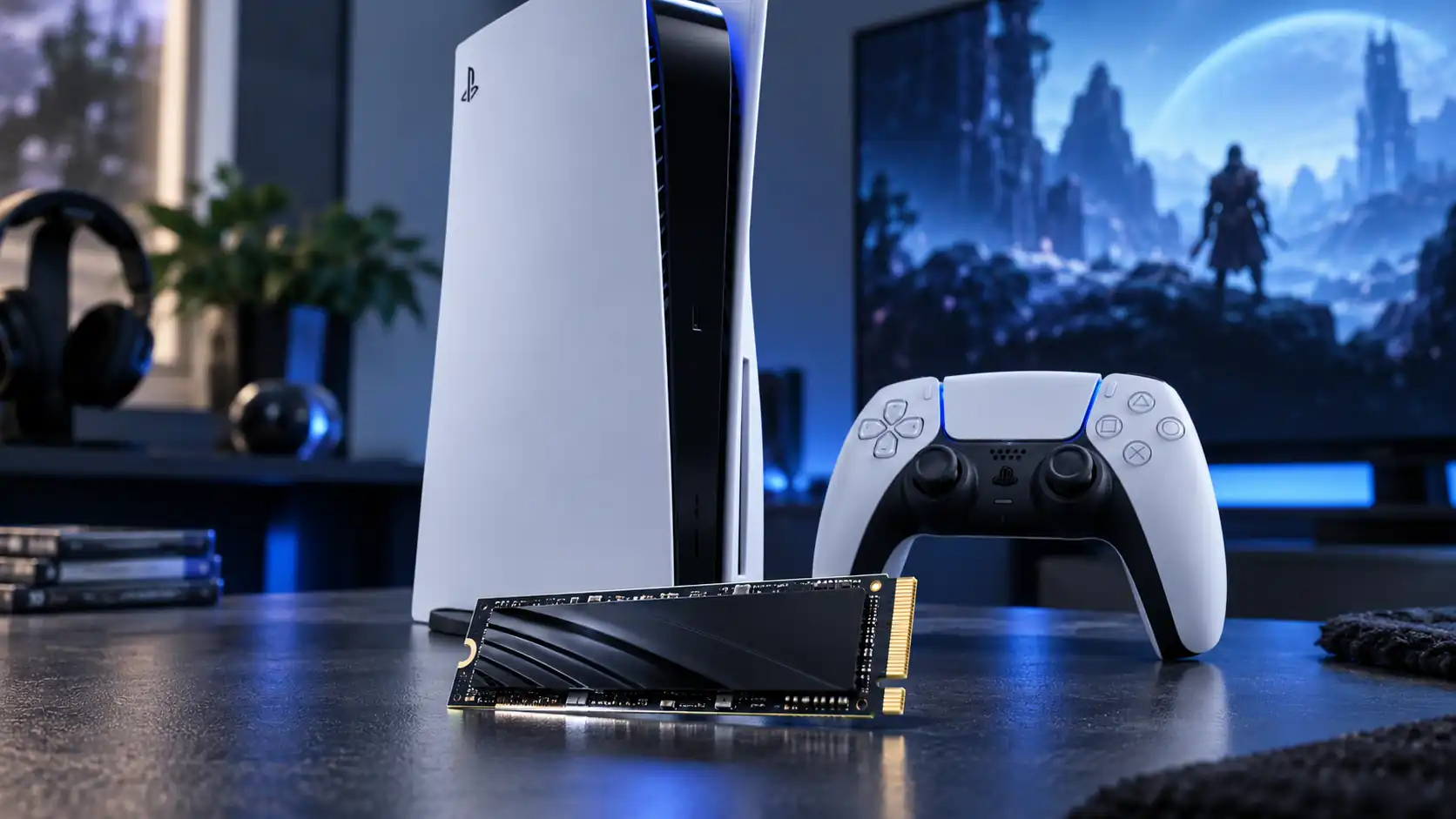
A PS5 M.2 SSD upgrade allows users to expand the console’s storage by installing a compatible internal M.2 NVMe SSD.
Unlike external USB storage, a compatible M.2 SSD can run PS5 games directly.
The PS5 expansion slot supports:
After installation, the additional SSD appears as extended storage and can be used for supported PS5 games.
Not every SSD works with PS5. Sony provides specific requirements to ensure compatibility and performance.
A compatible PS5 M.2 SSD should meet requirements such as:
| Requirement | Recommended Specification |
|---|---|
| Interface | PCIe Gen4 x4 M.2 NVMe SSD |
| Storage size | 250GB to 8TB |
| Read speed | 5,500 MB/s or faster recommended |
| Form factor | M.2 2230, 2242, 2260, 2280, or 22110 |
| Cooling | Heat sink required |
| Socket type | M key |
The SSD must also physically fit inside the PS5 expansion bay.
A heat sink is important because high-speed SSDs generate heat during demanding operations. Proper cooling helps maintain stable performance.
The best SSD for PS5 depends on your budget, storage needs, and performance expectations.
When choosing a PS5 SSD upgrade, consider:
Common options include:
A 2TB SSD is often a practical choice because modern games can occupy significant storage space.
Choose an SSD with strong sequential read performance. While higher speeds can provide additional performance headroom, the drive must first meet PS5 compatibility requirements.
A built-in or included heat sink can simplify installation and help maintain performance.
PS5 supports both internal M.2 SSD expansion and external USB storage, but they work differently.
| Feature | Internal M.2 SSD | External USB Drive |
|---|---|---|
| Store PS5 games | Yes | Yes |
| Play PS5 games directly | Yes | No |
| Store PS4 games | Yes | Yes |
| Faster performance | Yes | Limited by USB |
| Installation required | Yes | Simple connection |
External USB drives are useful for storing PS4 games and backups, while internal M.2 SSD upgrades are the solution for expanding playable PS5 game storage.
Installing a compatible M.2 SSD requires opening the PS5 expansion slot.
General installation steps:
After installation, the PS5 automatically detects the new storage device and prepares it for use.
Always follow Sony’s official installation instructions for your specific PS5 model.
Yes. With an installed M.2 SSD, you can move and install PS5 games directly to the expanded storage.
Benefits include:
You can also move games between internal storage and expansion storage through the PS5 storage settings.
SSD speed mainly affects loading and data access rather than frame rates or graphics quality.
A compatible SSD can help with:
However, an SSD upgrade will not automatically increase:
Performance improvements depend on the game itself and developer optimization.
“While PS4 games run smoothly from external drives, true next-gen patches require internal fast storage. See our complete breakdown of which PS4 games are worth upgrading to PS5 to prioritize your storage space.”
Before buying an SSD upgrade, many players ask:
Not necessarily. The built-in PS5 SSD is enough for some players, especially those who only install a few games at a time. However, players with large digital libraries or many AAA games may benefit from additional storage.
No. The SSD must meet PS5 requirements, including PCIe Gen4 support, suitable dimensions, speed requirements, and proper cooling.
Yes. PS4 games can be stored and played from compatible PS5 M.2 SSD expansion storage.
External SSDs can store PS5 games, but PS5 games cannot be played directly from USB extended storage. They must be copied back to internal or M.2 storage before playing.
The PS5 uses a custom internal NVMe SSD based on PCIe 4.0 technology. It was designed to provide high-speed data access for modern games, helping reduce loading times and improve asset streaming compared with previous console storage solutions.
The PS5 includes an 825GB internal SSD, but only around 667GB is available for games and applications after system files are reserved. Players can expand storage by installing a compatible M.2 NVMe SSD.
For most players, a 1TB or 2TB SSD provides a good balance between price and storage capacity. A 2TB drive is especially useful for gamers who regularly install large PS5 games and prefer keeping a larger digital library available.
No. A PS5 SSD upgrade does not directly increase frame rates or graphics performance. Its main benefits are increased storage capacity, faster data management, and maintaining similar high-speed loading performance for installed games.
Yes. Compatible PS5 games can be installed and played directly from an internal M.2 SSD expansion drive that meets Sony’s requirements. This makes it different from external USB storage, which is mainly used for storing games.
Yes. A compatible heatsink is required for PS5 M.2 SSD upgrades because the drive can generate significant heat during operation. Proper cooling helps maintain stable performance and prevents thermal issues.
A PS5 SSD upgrade is worth considering for players who frequently run out of storage space or maintain a large game collection. While the original SSD is fast, additional storage makes managing modern games much easier.
The PS5 SSD is one of the biggest technological improvements in PlayStation history. Its high-speed NVMe architecture allows faster loading, smoother game streaming, and more advanced game design possibilities.
For players with growing digital libraries, a PS5 M.2 SSD upgrade is one of the most practical improvements available. Choosing a compatible PCIe 4.0 NVMe SSD with the right speed, capacity, and cooling solution can significantly improve storage management without changing the core performance of the console.
Understanding PS5 SSD requirements helps you make a smarter upgrade decision and get more from your PlayStation 5 gaming experience.