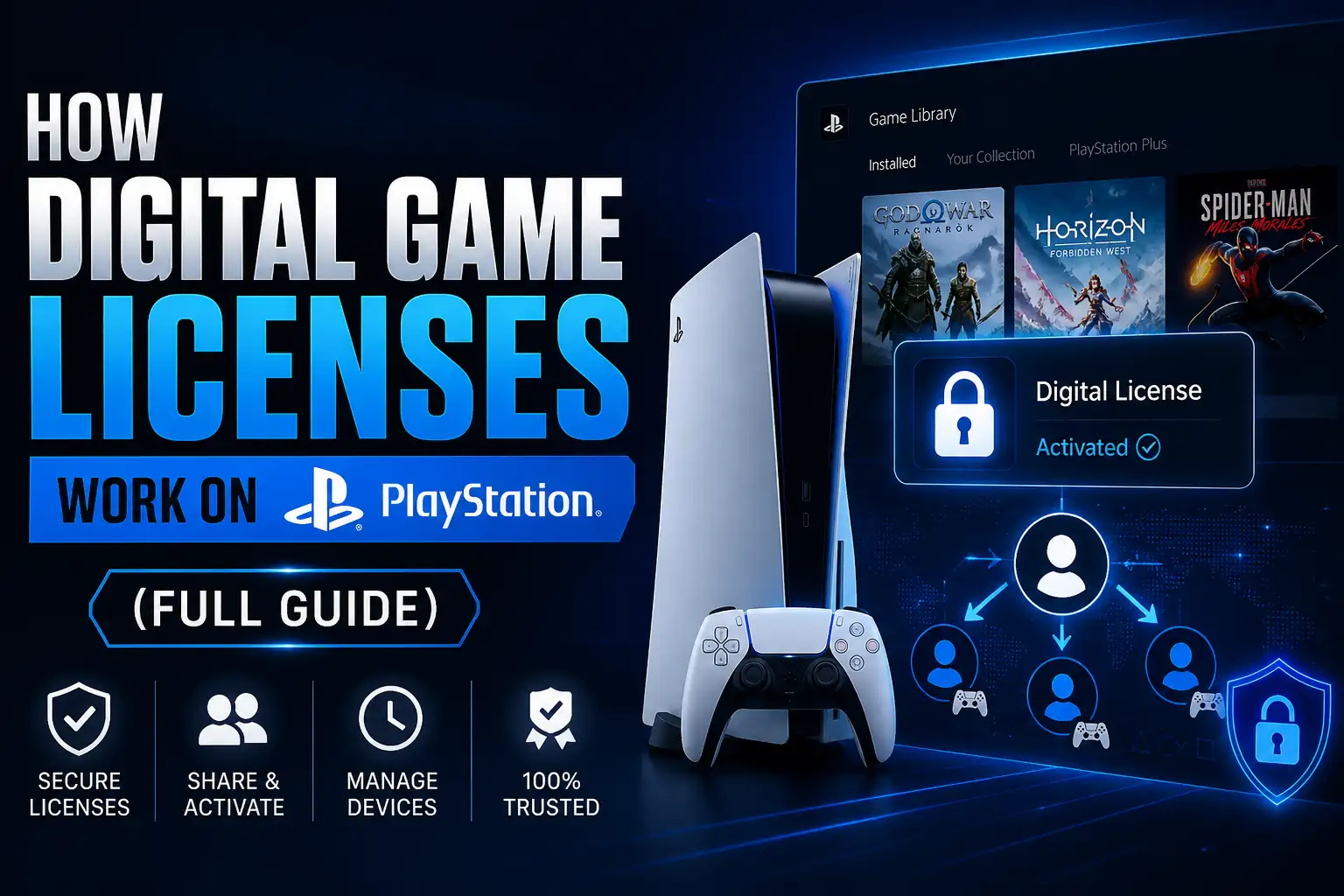
Buying a digital PlayStation game looks simple: purchase the title, download it, and start playing. Behind that process, however, PlayStation uses a digital licensing system to determine which account has permission to access the game, which console can use that entitlement, and whether additional conditions such as an active PlayStation Plus subscription apply.
A PlayStation digital game license is therefore more important than the installed game files themselves. Having a game downloaded on a PS4 or PS5 does not automatically prove that the account or console currently has permission to launch it. PlayStation can check the account that acquired the content, purchase history, console activation settings, subscription status, and other entitlement information when deciding whether access should be granted.
Understanding the system is particularly useful when you see a padlock icon, move to another console, use Console Sharing and Offline Play, restore licenses, redeem PlayStation digital game codes, or access games through PlayStation Plus.
(Currently seeing a lock icon or error code on your console? Head directly to our companion guide on how to fix PS5 game licensing issues and unlock games).
A digital game license is the entitlement that allows an eligible PlayStation account to use digital content. When a game is purchased from PlayStation Store, Sony’s current terms describe the transaction as providing a personal license to use the product rather than transferring ownership of the underlying digital product itself. The license is generally personal and non-transferable, subject to applicable local law.
This distinction explains why downloading a game and having permission to play it are two different things. The installed files may remain on the console even when PlayStation cannot currently confirm the required entitlement.
When people search for PlayStation license games or a PlayStation digital games license, they are usually referring to one of several entitlement types:
| License source | How access is obtained | Main access condition |
|---|---|---|
|
PlayStation Store purchase |
Game is purchased on a PlayStation account |
Purchasing account retains the relevant entitlement |
|
Voucher or content code |
Valid code is redeemed to an account |
Code must be valid and compatible with the account/region |
|
PlayStation Plus Monthly Game |
Game is claimed while offered |
Eligible active membership is required to continue access |
| PS Plus Game Catalog |
Game is downloaded through an eligible tier |
Correct membership tier and continued catalog availability are required |
|
Console sharing |
Another account’s eligible purchase is shared on an activated console |
Correct PS5 sharing or primary PS4 settings must remain enabled |
PlayStation also provides a transaction history and service list so users can confirm whether purchases and other digital content have been successfully applied to an account.
Yes. PlayStation supports digitally purchased games on PS4 and PS5, and compatible digital PS4 purchases can also appear in a user’s library when signing in on PS5. PlayStation has long supported downloading purchased games directly through PlayStation Store and the user’s Game Library.
A PlayStation video games list, a list of Sony games for PC, or a list of PlayStation games with keyboard and mouse support answers a different type of question: which games exist or support a feature. Digital licensing instead determines whether a particular account or console is authorized to use a specific piece of content.
The easiest way to explain PlayStation’s digital game license system is to separate the process into three layers: acquisition, account entitlement, and console authorization.
First, the user purchases content or receives access through a valid subscription or voucher. The entitlement is then associated with the relevant PlayStation account. Finally, the console determines whether that account or the console’s sharing configuration allows the content to launch.
This means deleting and reinstalling a purchased game normally does not create a new license. Likewise, moving the installed files to another compatible storage device does not transfer the entitlement to another account. The important record is the account’s entitlement and the console’s authorization state.
Sony PlayStation digital license validation becomes especially visible when something goes wrong. For example, PlayStation’s official support documentation says that a padlock icon can indicate a license issue. Recommended checks include signing into the account used to purchase the game, reviewing transaction history, confirming PS Plus eligibility where applicable, and restoring licenses.
A Sony PlayStation digital license check should therefore begin with four questions:
For a purchased game, a successful entitlement is normally different from a PS Plus catalog entitlement. Subscription games can lose accessibility when their subscription conditions are no longer satisfied, while a direct purchase follows the digital purchase license attached to the account.
How entitlements are shared across devices depends heavily on account structure. Learn more in our detailed comparison of primary vs. secondary PSN accounts.
The phrase PlayStation digital license 30 days became widely searched after reports in April 2026 suggested that some PS4 and PS5 digital purchases were displaying a 30-day online license-validation behavior.
Sony subsequently clarified to media that affected newly purchased digital games required an initial online license confirmation and that the system was not intended to require a continuing online check every 30 days after successful validation. Current PlayStation troubleshooting documentation continues to direct users with license-confirmation problems toward account checks, internet connectivity, Console Sharing and Offline Play, and Restore Licenses.
Therefore, if a newly purchased title reports that its license cannot be confirmed, connecting the console to PlayStation Network and allowing the entitlement to validate is a more appropriate first response than assuming the purchase has disappeared.

PS4 and PS5 use the same basic principle—digital content is associated with an account—but their console-sharing terminology and settings differ.
On PS5, the relevant feature is Console Sharing and Offline Play. On PS4, it is Activate as Your Primary PS4. PlayStation states that a user can have Console Sharing and Offline Play enabled on one PS5 and one primary PS4 associated with the account at the same time.
|
Feature |
PS5 | PS4 |
|---|---|---|
|
Main sharing setting |
Console Sharing and Offline Play |
Activate as Your Primary PS4 |
|
Main settings path |
Settings > Users and Accounts > Other |
Settings > Account Management |
|
Sharing limit |
One PS5 at a time |
One primary PS4 |
|
Other users can access eligible purchases |
Yes, on the enabled console |
Yes, on the primary console |
|
Some PS Plus benefits can be shared |
Yes |
Yes |
|
License restoration available |
Yes |
Yes |
A PlayStation 5 digital license is not a separate transferable object that can simply be moved between users. What changes when moving to another PS5 is the console-sharing configuration and the account used to access the entitlement.
There is no single screen labeled “PlayStation digital game license check” that shows every technical detail of a license. Instead, users can confirm entitlement through transaction history, their Game Library, Game and App Services, subscription status, and the game’s ability to launch.
Start by signing into the account that acquired the content. Then open:
Settings > Users and Accounts > Account > Payment and Subscriptions > Transaction History
Choose the appropriate date range and locate the game purchase. PlayStation specifically recommends transaction history when determining whether a purchase completed successfully.
For certain services, DLC, season passes, or other applied content, PS5 users can also check:
Settings > Users and Accounts > Account > Payment and Subscriptions > Game and App Services
If a purchased game is missing from the home screen, check Game Library > Your Collection as well.
On PS4, transaction history is available through:
Settings > Account Management > Account Information > Wallet > Transaction History
Purchased games can also be checked through Library > Purchased.
If the transaction exists but the game remains locked, continue with Restore Licenses and confirm that the account or console activation settings are correct.
A PlayStation digital license update usually means forcing the console to refresh its stored entitlement information through the Restore Licenses feature. This can help when a purchased game shows a padlock, a game or add-on cannot be found, or certain content refuses to launch.
Importantly, restoring licenses does not delete saved data.
Go to:
Settings > Users and Accounts > Other > Restore Licenses
Select the licenses you want to restore.
PlayStation also allows PS5 users to highlight a specific game from the home screen or Game Library, press the Options button, and choose Restore License.
Go to:
Settings > Account Management > Restore Licenses > Restore
PlayStation recommends license restoration for issues including padlock icons, missing games or add-ons, and some launch problems.
| Problem | First action | Next action |
|---|---|---|
| Padlock beside purchased game | Verify purchasing account | Restore licenses |
| Purchase missing | Check transaction history | Check Game Library |
| Game will not launch | Restart console and check system software | Restore licenses |
| Shared game unavailable | Check console sharing/primary activation | Have owner verify purchase |
| PS Plus game locked | Check subscription | Check whether title is still eligible |
| Voucher content missing | Check redemption/transaction history | Verify region and contact support if necessary |
Restoring a license cannot create an entitlement you never purchased, restore an expired subscription, or make a Game Catalog title available after it has left the service.

PlayStation’s sharing system allows eligible digital purchases to be used by other users on a designated console without transferring ownership of the purchasing account’s license.
On PS5, enabling Console Sharing and Offline Play allows other users on that PS5 to play eligible purchased and downloaded games, access some PS Plus benefits, and use certain content while the console is offline. Only one PS5 can have Console Sharing and Offline Play enabled for an account at a time.
To change it:
Settings > Users and Accounts > Other > Console Sharing and Offline Play > Enable/Disable
On PS4, activating a console as the account’s Primary PS4 enables other players on that console to access applications purchased from PlayStation Store and some PlayStation Plus benefits.
Console sharing should not be confused with transferring the underlying license. The purchasing account still holds the entitlement.
If you are evaluating a digital product from PSNShop, it is worth understanding exactly what the listing provides before purchasing. A direct PlayStation entitlement, voucher, subscription, and account-based access method are not necessarily the same thing and can have different activation requirements.
If your digital entitlement fails to validate due to offline play or account mix-ups, you don’t need to repurchase the title. For full step-by-step recovery methods and specific PS5 error codes, check out our PS5 Licensing Troubleshooting & Fix Guide.
PlayStation Plus introduces another layer because not every PS Plus game is licensed in the same way as a permanently purchased PlayStation Store title.
PlayStation currently offers Essential, Extra, and either Premium or Deluxe depending on the market. Extra adds access to a Game Catalog containing hundreds of games, while Premium adds benefits such as the Classics Catalog, Game Trials, and cloud-streaming features in supported regions. Deluxe is offered in certain markets and includes higher-tier catalog and trial benefits without the same cloud-streaming package.
Monthly Games can be added to your library while they are offered. PlayStation states that claimed Monthly Games remain playable while you have an eligible active PlayStation Plus membership.
Game Catalog and Classics Catalog titles work differently. They remain available only while you have the appropriate membership and while the title remains part of the applicable service. Some catalog games have announced dates when they leave PlayStation Plus.
| PS Plus content | Added to library? | Requires active membership? | Can availability change? |
|---|---|---|---|
| Monthly Games | Yes, after claiming | Yes | Claim window changes monthly |
| Extra Game Catalog | Download/access while listed | Yes | Yes, titles enter and leave |
| Premium/Deluxe Classics | Available through qualifying tier | Yes | Yes |
| Game Trials | Limited trial entitlement | Yes | Availability varies |
| Separately purchased game | Purchase entitlement | Not because of PS Plus itself | Different from catalog access |
Searches such as how many games PS Plus have, how many games do you get with PS Plus, how many games does PS Plus Premium have, and how many games does PS Plus Extra have do not have one permanent answer. Sony describes the Extra and Premium/Deluxe libraries as containing hundreds of games, but the catalog changes as titles are added or removed and availability can vary by region.
Likewise, how many games does PS Plus Essential have is not best answered as a fixed catalog size. Essential provides a changing selection of Monthly Games that members can claim during their availability period.
For how many games does PS Plus Deluxe have, the same principle applies: Deluxe includes the Game Catalog and additional higher-tier content in supported markets, so its accessible library changes over time.
A PS Plus game size is also independent of the license. Download size depends on the individual title, version, installed language packs, updates, and add-ons; the subscription entitlement determines access, not how much storage the game occupies.
Queries such as list game plus, how many games can be played on PS4, or how many game PS2 have concern catalog size or platform history rather than whether a specific PlayStation digital license is valid.
The question can you sell digital PlayStation games has a different answer from selling a physical disc.
Under PlayStation’s current US terms, a PlayStation Store purchase gives the buyer a personal license for private, non-commercial use. Sony states that this license is not transferable unless applicable local law requires otherwise and that purchasing the product does not mean the user owns the digital product itself. Consumer rights can differ by jurisdiction.
In practical terms, there is no standard PlayStation feature that lets you select a digitally purchased game from your library and permanently transfer its license to another PlayStation account.
Console Sharing and Offline Play does not change this. It can give another user access on an authorized console, but it does not transfer the purchasing account’s entitlement.
The phrase Sony PlayStation digital license lawsuit may also appear in searches about digital ownership. Different legal cases have involved separate issues, including digital-store competition and how digital purchases are described to consumers. Those cases should not be treated as instructions for how a console license currently works; the relevant operational rules still come from PlayStation’s account, support, licensing, and regional consumer terms.

Most license problems fall into a small number of categories. Checking them in the right order usually saves time.
A game may be installed on the console even though the current account did not purchase it.
Check the account used for the original purchase or voucher redemption, then review its transaction history. PlayStation specifically recommends this when dealing with locked games and missing purchased content.
A padlock can indicate a license or network problem. First confirm the purchasing account, then restore licenses.
On PS5, also verify Console Sharing and Offline Play if the content is supposed to be available to another user on the console.
If the game came from PlayStation Plus rather than a separate purchase, check whether the membership is still active.
If it came from the Game Catalog, also confirm that the title has not left the catalog. An active subscription does not guarantee access to a catalog game after the game is removed from that service.
Official PlayStation voucher codes are generally redeemed to the user’s account. PlayStation’s support documentation says Store voucher codes contain 12 digits, are normally usable once, may have expiration conditions, and must be compatible with the account’s region.
The same caution applies when searching for PlayStation digital game codes or PS4 digital game codes: verify exactly what the code provides, its region, expiration status, and whether it is intended for PlayStation Store.
Before buying a code or digital PlayStation product from PSNShop, confirm the product’s region and activation method against the region of the PlayStation account that will use it. A cheaper product is not useful if its redemption conditions do not match your account.
Region compatibility can matter particularly with downloadable content. PlayStation recommends checking purchase history and ensuring that disc-based games and related DLC are compatible with the appropriate account and country/region.
Restoring licenses may also help with missing add-ons.
Network interruptions or temporary PlayStation service problems can prevent license confirmation. Official PlayStation error-code guidance recommends checking PlayStation service status, restarting the console and router, and restoring licenses where appropriate.
If another PS5 has Console Sharing and Offline Play enabled for the purchasing account, the sharing configuration may need to be changed. PlayStation permits this feature on one PS5 at a time.
The equivalent PS4 issue is whether the intended console is activated as the account’s primary PS4.
System updates, support-policy changes, subscription catalog changes, and reports about Sony PlayStation digital license changes can easily be mixed together.
A change to PS Plus catalog availability is not the same as losing a separately purchased game’s entitlement. Likewise, a temporary Sony PlayStation digital license validation error is not proof that the purchase has been deleted.
When in doubt, use the evidence available on the account: transaction history, Game Library, subscription status, console-sharing settings, and Restore Licenses.
For PSNShop customers and other digital-game buyers, keeping purchase details, knowing which account holds the entitlement, and checking region requirements before activation can prevent many of the problems commonly mistaken for permanent license loss.
A PlayStation digital game license is the entitlement that permits an eligible account or authorized console to use digital content. For PlayStation Store purchases, the purchasing account receives a personal license to use the product under PlayStation’s applicable terms. The game files may be installed locally, but access still depends on the relevant account entitlement and console configuration.
Sign into the account used to purchase the game and review Settings > Users and Accounts > Account > Payment and Subscriptions > Transaction History. Confirm that the purchase appears successfully, then check the Game Library. If the game is locked despite a valid purchase, use Settings > Users and Accounts > Other > Restore Licenses.
You can sign into another PS5 with the account that owns the eligible digital games. For sharing purchases with other users on a specific PS5, Console Sharing and Offline Play must be configured correctly. PlayStation permits this sharing feature on one PS5 at a time, although your separate primary PS4 activation can remain active.
Claimed Monthly Games can remain in your library, but playing them requires an eligible active PlayStation Plus membership. Game Catalog and Classics Catalog titles work differently: they can become unavailable when they leave the service even if your subscription remains active. Always distinguish a PS Plus entitlement from a separately purchased digital game.
PlayStation does not provide a normal account feature for individually reselling or transferring a purchased digital game’s license to another user. Current PlayStation terms describe Store purchases as personal licenses that are generally non-transferable unless local applicable law requires otherwise. Console sharing can provide access on an authorized console, but it does not transfer the underlying entitlement.
Installation alone does not confirm that the console currently recognizes the required entitlement. Check that you are using the purchasing account, verify the transaction, restore licenses, and confirm Console Sharing and Offline Play or primary PS4 activation. For PS Plus games, also verify that your subscription is active and that a catalog title has not left the service.