Game sharing works differently on PS4 and PS5, but the two systems can coexist. A PlayStation account can have one Primary PS4 and one PS5 with Console Sharing and Offline Play enabled at the same time. That makes it possible to share eligible digital purchases with other users on both designated consoles.
The important limitation is compatibility: PS4 games can often be played on PS5 through backward compatibility, but PS5-only games cannot run on a PS4. So “PS4 vs PS5 game sharing” is partly about sharing licenses and partly about whether the game itself supports the console you want to use.
“Before starting, make sure you understand how console hierarchy works. If you are confused about how account activation limits apply, check our guide on Primary vs. Secondary PSN accounts.”

Yes, PS4 and PS5 can be part of the same PlayStation game-sharing setup.
Sony allows one account to have:
Activating one does not require you to deactivate the other.
This means a household with both consoles can potentially use compatible digital purchases across them. For example, if an account owns a digital PS4 game that is playable on PS5, that game can be downloaded to the PS5 as well as used within the account’s PS4 setup.
However, game sharing does not make PS4 and PS5 software interchangeable. A PS5-native game still requires a PS5.
| Feature | PS4 | PS5 |
|---|---|---|
| Main sharing setting | Activate as Primary PS4 | Console Sharing and Offline Play |
| Simultaneous activation per account | One PS4 | One PS5 |
| Other users on designated console can access eligible purchases | Yes | Yes |
| Some PlayStation Plus benefits can be shared | Yes | Yes |
| Offline access on designated console | Supported | Supported |
| Can play PS4 games | Yes | Most PS4 games are supported |
| Can play PS5-native games | No | Yes |
Sony states that users of a Primary PS4 can access applications purchased through PlayStation Store, while users of a PS5 with Console Sharing enabled can play purchased and downloaded games and media, including offline.
On PS4, game sharing revolves around the Primary PS4 setting.
To activate a console:
Once activated, other profiles using that PS4 can access eligible PlayStation Store applications purchased by the account that designated it as Primary. Some PlayStation Plus benefits can also be shared.
Only one PS4 can be the Primary PS4 for an account at a time. If you want to move the activation to another PS4, the previous activation normally needs to be removed first.
PS5 replaces the “Primary console” terminology with Console Sharing and Offline Play.
To enable it:
When enabled, other users on that PS5 can play games and media purchased and downloaded by the account that enabled sharing. They can also use supported content while the console is offline and access some PlayStation Plus benefits.
Only one PS5 can have Console Sharing and Offline Play enabled for an account at a time.
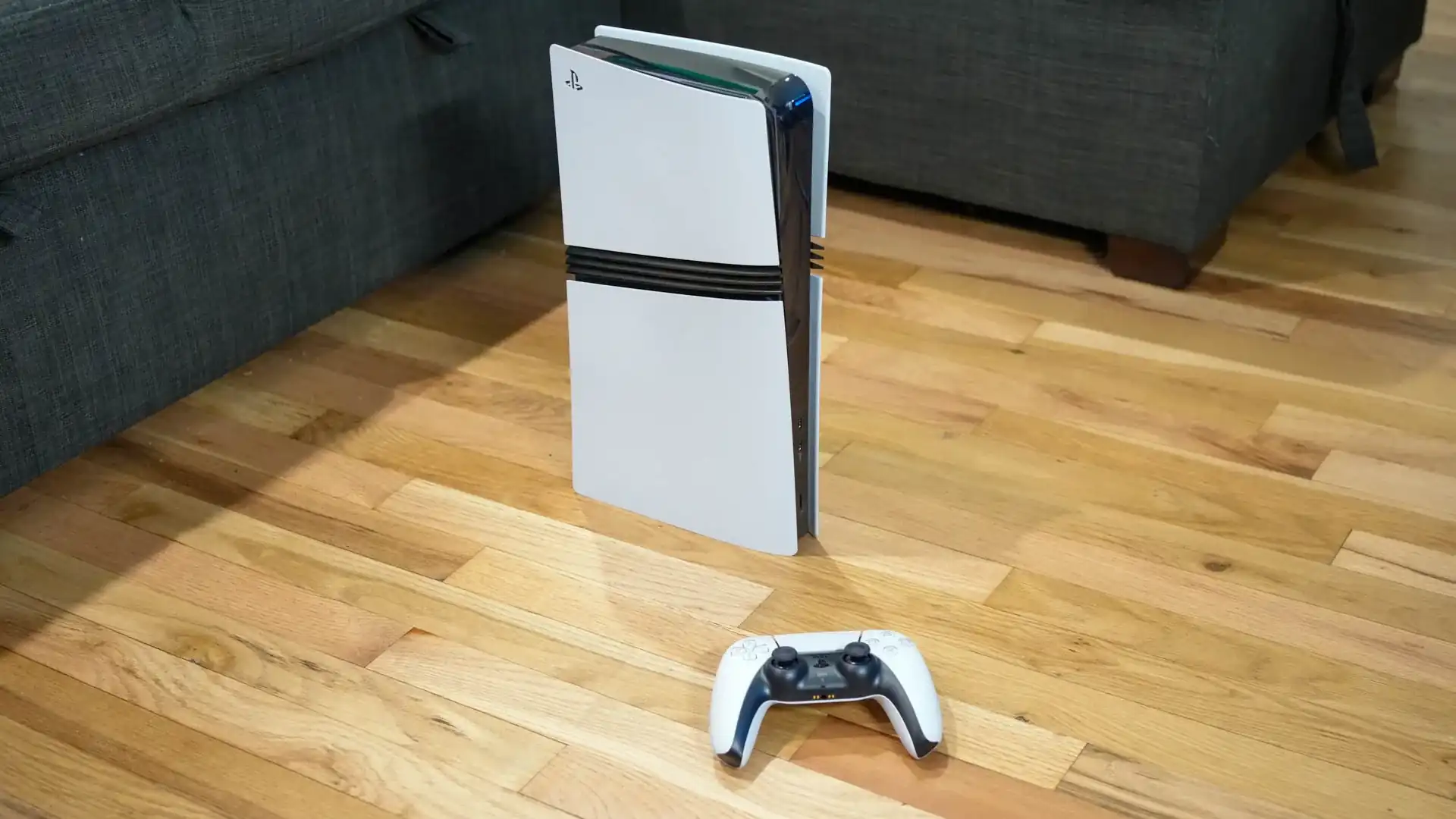
Sharing PS4 games on PS5 is usually straightforward because PS5 supports the majority of the PS4 library through backward compatibility. Sony describes PS5 as compatible with thousands of PS4 games.
For a digital PS4 game:
This is one of the most practical examples of game sharing between PS4 and PS5: the account can keep its Primary PS4 activation while also enabling sharing on one PS5.
Physical games work differently from digital account licenses.
A compatible PS4 disc can be used on a PS5 that has a disc drive, but the disc must remain inserted when you play. A disc cannot be used with a PS5 model that has no compatible disc drive.
Game sharing therefore does not turn a physical PS4 disc into a digital license for another console.
Not if you mean running the PS5 version of a game on PS4.
A PS4 cannot run PS5-native software. Game sharing changes who can access an eligible license on a supported console; it does not add backward compatibility in the opposite direction.
There is one important distinction: some purchases may include or provide access to both PS4 and PS5 versions. In that situation, the PS4 can use the PS4 version, while the PS5 can use the compatible PS4 version or the PS5 version included with the entitlement.
Sony also supports upgrades for certain PS4 titles to PS5 versions. Depending on the game, an upgrade may be free, paid, or subject to additional conditions.
So when asking whether you can share a PS5 game to PS4, check what the purchase actually contains:
“If you prefer having exclusive ownership and direct credential management over standard shared slots, take a look at the top PS5 and PS4 games on full access accounts to see what is currently worth picking up.”
The term “game sharing” is often used for several different situations.
Activate the owner’s account with that console as its Primary PS4. Other profiles on that console can then access eligible purchased applications.
Enable Console Sharing and Offline Play on the account that owns the games. Other users of that PS5 can then access eligible downloaded purchases.
This is where the PlayStation activation system is particularly useful.
The same account can maintain:
Those are separate activation limits, so activating your PS5 does not automatically remove the Primary PS4.
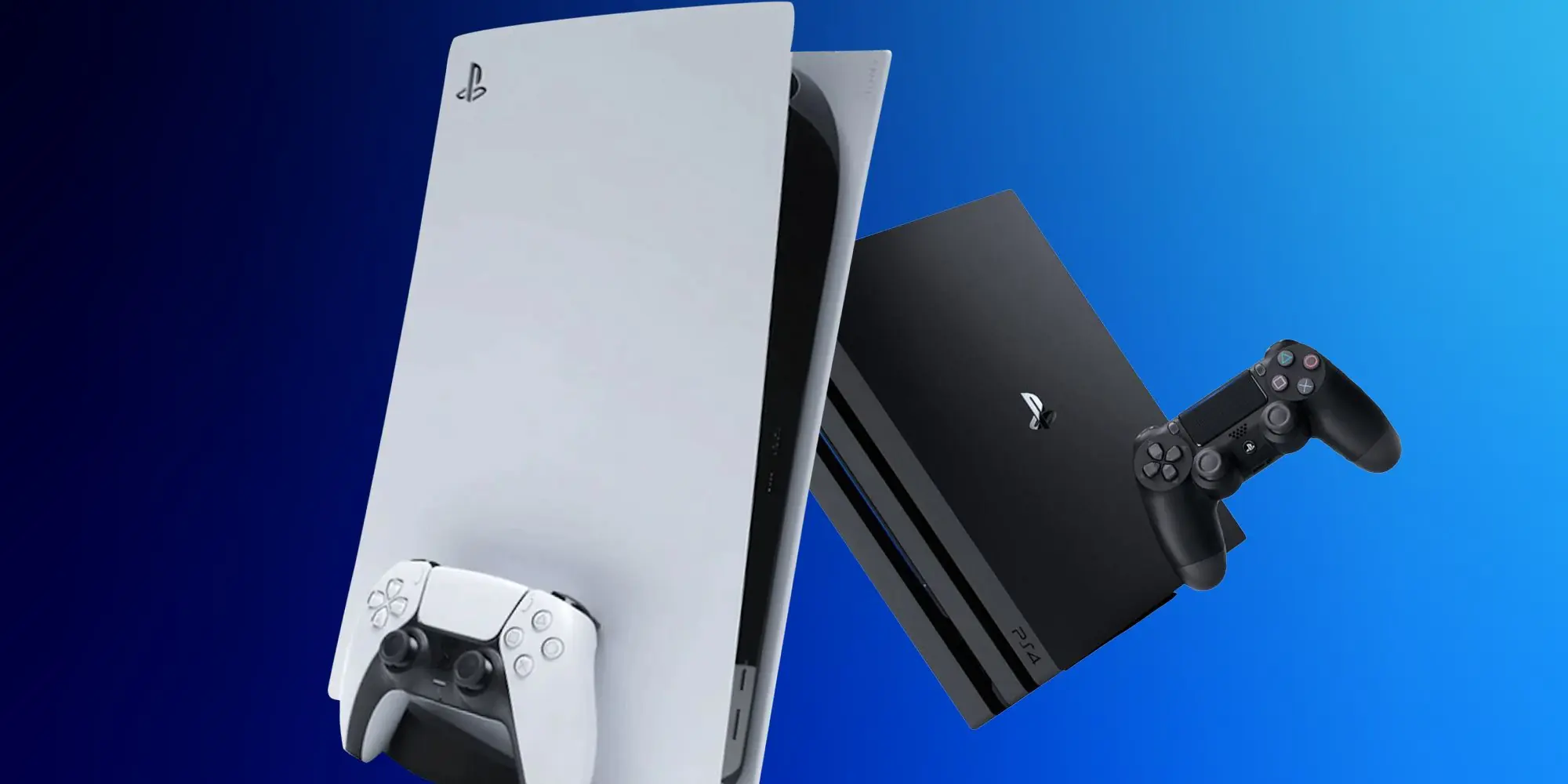
Only one PS5 can have Console Sharing and Offline Play enabled for a particular account at a time. If you enable it on a new PS5, you need to disable the previous shared PS5.
The account owner can still sign in to other consoles and access content where the account and license permit it, but those additional consoles do not all become shared PS5 systems for other local profiles.
The same principle applies to PS4: an account can have only one Primary PS4 at a time.
These features sound similar, but they solve different problems.
| Feature | What It Does | Game Ownership Required by Other Player? | Main Use |
|---|---|---|---|
| Game sharing | Makes eligible purchases available to users on a designated console | Not necessarily | Sharing a library on a console |
| Share Play | Streams a play session to another player | No | Remote watching, control or supported co-play |
| Share Screen | Streams your screen to party members | No | Watching gameplay |
Game sharing is based on console activation and digital licensing. On PS4, it uses Primary PS4. On PS5, it uses Console Sharing and Offline Play.
It is designed for ongoing access on the designated console rather than a temporary streamed session.
Share Play streams gameplay remotely. The visitor does not need to own the game being streamed.
On PS5, the host needs PlayStation Plus to start Share Play. Depending on the selected mode, a visitor may watch, take control, or join supported local multiplayer gameplay. Sessions last for up to one hour, and only one visitor can participate at a time.
Cross-generation functionality has limitations. When a PS5 player invites a PS4 player, PlayStation provides a Share Your Screen with Visitor option, allowing the PS4 user to view the PS5 player’s screen.
Share Screen is primarily for viewing. Party members can watch your gameplay in real time, but simply watching a screen is different from receiving access to a digital game license.
If your goal is to let someone use an eligible game from your library on a designated console, you are looking for game sharing, not Share Screen.
The built-in Primary PS4 and Console Sharing and Offline Play features are official PlayStation functions. The major security issue is not the feature itself; it is how people handle their PlayStation accounts.
PlayStation’s current Terms of Service instruct users not to share their sign-in credentials and not to allow another person, including a friend or family member, to use their account.
For safer console sharing:
If you no longer have access to a previously activated console, PlayStation provides remote device deactivation through Account Management, although remote deactivation of all devices is subject to a six-month limit.
Most game-sharing problems come down to the account, activation, license, subscription, or game version.
Make sure the PlayStation account you are using actually owns the content.
If the purchase belongs to another user, that user’s account needs the appropriate Primary PS4 or PS5 Console Sharing configuration.
On PS5, go to:
Settings > Users and Accounts > Other > Console Sharing and Offline Play
Make sure sharing is enabled on the correct PS5.
On PS4, go to:
Settings > Account Management > Activate as Your Primary PlayStation 4
If another PS4 is already activated for that account, you may need to deactivate it before changing the Primary PS4.
A padlock symbol or missing digital content can indicate a licensing problem.
On PS5:
Settings > Users and Accounts > Other > Restore Licenses
On PS4:
Settings > Account Management > Restore Licenses
Restoring licenses does not delete your saved data and is one of Sony’s recommended troubleshooting steps for inaccessible purchased games.
If access comes from PlayStation Plus rather than a direct purchase, confirm that the relevant membership is active and that the game is still available under the applicable benefit.
PlayStation allows selected Plus benefits to be shared on a Primary PS4 and one PS5 with Console Sharing enabled, but not every subscription feature is transferable to another user.
A game may have separate PS4 and PS5 versions.
On PS5, you can check available versions from your Game Library or the game’s options. Sony lets players switch between owned PS4 and PS5 versions when both are available.
If you are trying to launch a PS5-only version on a PS4, no game-sharing setting can make it compatible.
“If the second player sees a lock icon on the shared title, follow our step-by-step fix on how to resolve PS5 game licensing issues and unlock games.”
For a household using both generations, the simplest configuration is usually:
This allows the official PS4 and PS5 sharing systems to work side by side without treating the two consoles as if they have identical game compatibility.
For PSNShop users managing PlayStation game libraries, always check whether a title is the PS4 version, PS5 version, or includes both versions before deciding which console should access it.
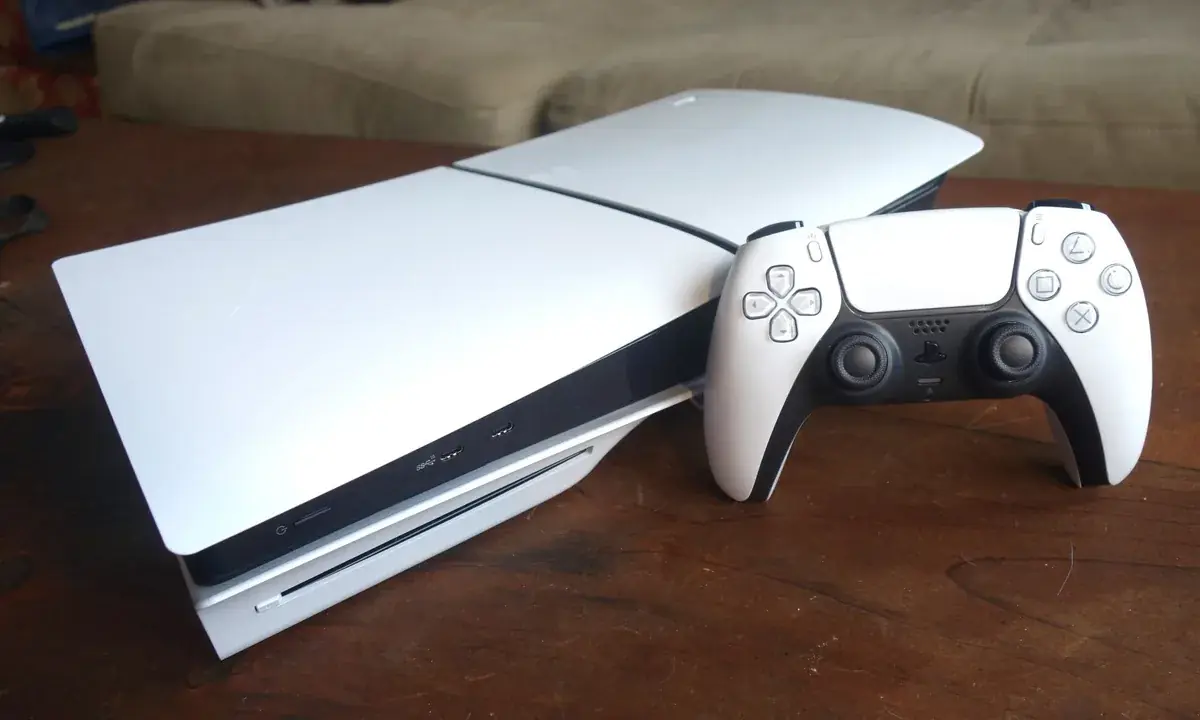
Yes, the same PlayStation account can have one Primary PS4 and one PS5 with Console Sharing and Offline Play enabled simultaneously. This lets eligible digital purchases be available through both sharing systems. However, software compatibility still applies: a PS5-native game cannot be played on PS4 simply because the account owns or shares it.
Yes, if the PS4 game is compatible with PS5. Sign in with the account that owns the digital game, download the PS4 version to the PS5, and enable Console Sharing and Offline Play if other users on that PS5 need access. PS5 supports the majority of PS4 games through backward compatibility.
A PS5-native version cannot run on a PS4. If the purchase also provides a PS4 version, that PS4 version may be used on the older console according to its entitlement. Always check which versions are included rather than assuming a PS5 purchase automatically provides PS4 access.
An account can enable Console Sharing and Offline Play on only one PS5 at a time. The account owner may sign in on other PS5 consoles to access eligible content, but multiple PS5 systems cannot simultaneously be designated as the shared PS5 for that account.
Not by activating three or four consoles of the same generation for sharing. An account is limited to one Primary PS4 and one PS5 with Console Sharing and Offline Play enabled. Those two activations can coexist, but you cannot designate three or four PS5 consoles—or multiple Primary PS4 consoles—under the same account.
The basic purpose is similar, but the settings have different names. PS4 uses Activate as Your Primary PS4, while PS5 uses Console Sharing and Offline Play. Both allow eligible purchases and some subscription benefits to be accessed by other users on the designated console.
Your PlayStation trophies can be synchronized with PlayStation Network and viewed across PS4 and PS5. However, how trophies behave between separate PS4 and PS5 versions of the same title can depend on that game. A PS4 trophy list should not automatically be assumed to behave identically to the PS5 version, so check the specific title when trophy progress matters.